DeepSeek Balance Whale Widget Plugin

21 09 2026

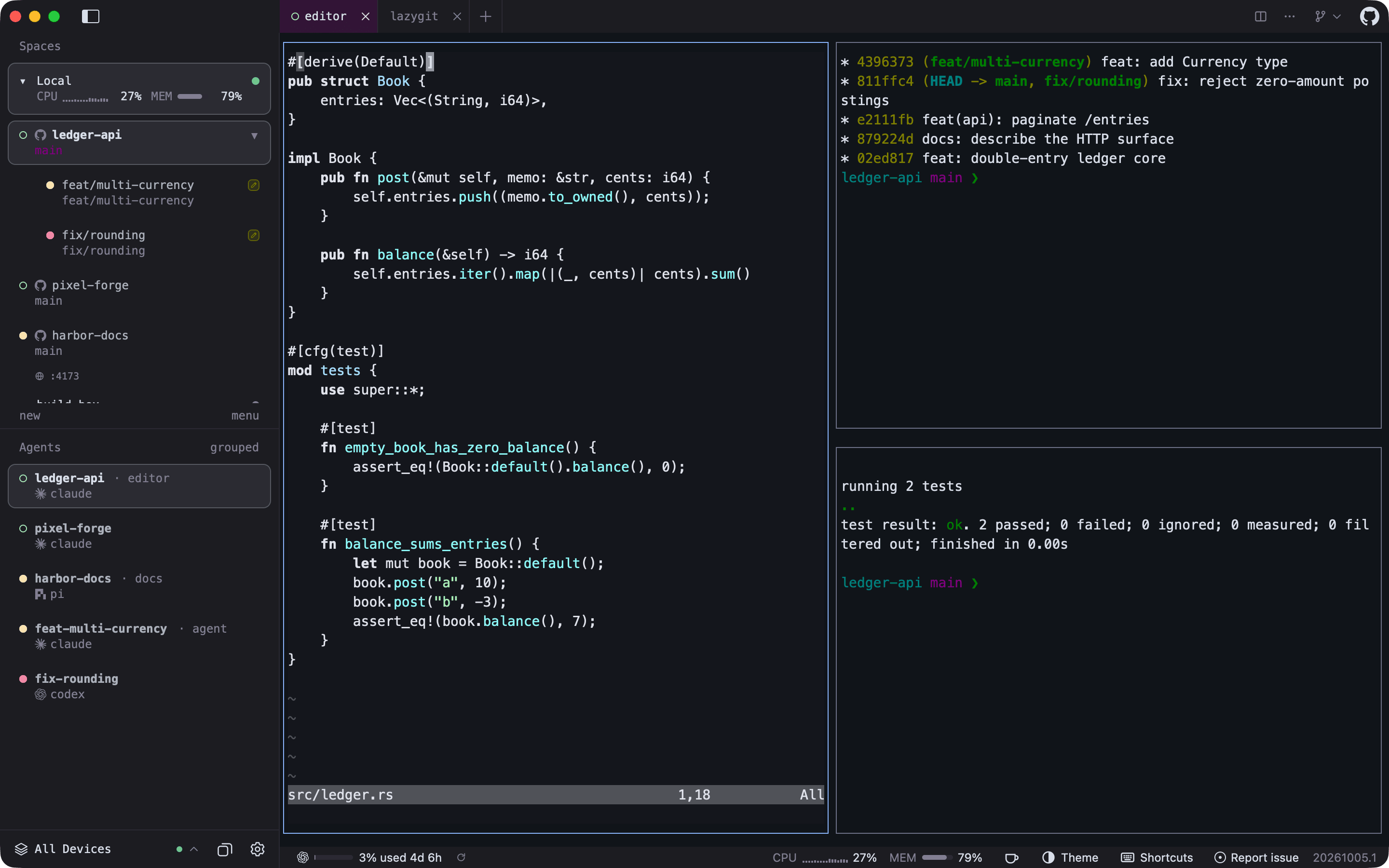
The DeepSeek Balance Whale Widget is a DSH bundle plugin that adds a persistent bubble in the lower‑right corner of the DSH Web interface. It shows the DeepSeek API balance, today's consumption, and per‑round cost, refreshing every 60 seconds and offering full customisation of the bubble content. Installation is a single `dsh plugin` command and it works without any session token. The same repository also provides a separate Codex‑desktop branch that ships as a standalone plugin.

If you already use DSH and want an on‑screen, programmable view of your DeepSeek quota, the widget is a handy addition. The main drawbacks are the two mutually exclusive branches – you must pick either the web or Codex version – and the setup can be fiddly if you need custom API providers. It’s overkill for anyone not embedded in the DSH ecosystem.

more: https://github.com/MeteorNOX/DeepSeek-Balance-Whale-Widget


FuXi: A Static Binary Terminal Coding Agent

21 09 2026

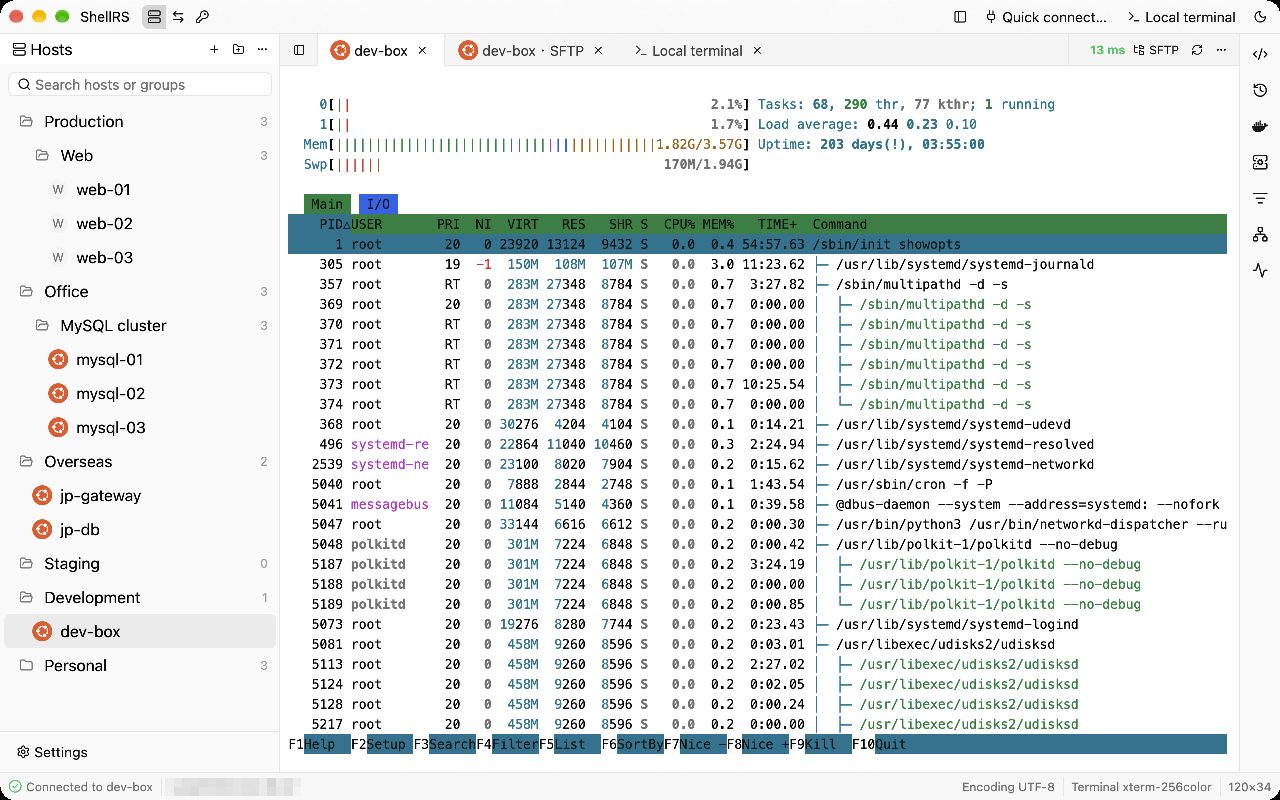
FuXi is a terminal AI coding agent written in Go that ships as a single static binary with no runtime dependencies. It reads code, edits files, and runs commands from a rich TUI, supporting cost-aware routing across multiple LLM providers.

The code is proprietary, so you cannot audit or modify the engine while the docs and installer are open. You need an account to start, though you can bring your own API keys to avoid managed model transmission.

more: https://github.com/fuxicodex/Fuxi


Java8: Map()+Filter()+Collect() example

25 06 2018
package tool;
import java.util.Arrays;
import java.util.List;
import java.util.stream.Collectors;
/**
*
* A simple Java Program to demonstrate how to use map and filter method Java 8.
* In this program, we'll convert a list of String into a list of Integer and
* then filter all even numbers.
*/
public class Hello {
   public static void main(String[] args) {
      List<String> numbers = Arrays.asList("1", "2", "3", "4", "5", "6");
      System.out.println("original list: " + numbers);
      List<Integer> even = numbers.stream()
                                        .map(s -> Integer.valueOf(s))
                                        .filter(number -> number % 2 == 0)
                                        .collect(Collectors.toList());
      System.out.println("processed list, only even numbers: " + even);
   }
}

Output
original list: [1, 2, 3, 4, 5, 6]
the processed list, only even numbers: [2, 4, 6]

souce: https://dzone.com/articles/how-to-use-map-filter-collect-of-stream-in-java-8


Functional Design vs Technical Design

7 10 2016

Functional design is the kind of design that is agreed between software architects and business customers. It describes what the system has to do in a way that both parties can understand and agree. It might describe user interface requirements, it might discuss database access, it might discuss web services or other forms of communication, it might discuss service level agreements or clustering and redundancy. The point is that it should be detailled enough to become the agreed definition of what the system will do.

Technical design, on the other hand, is the kind of design that is agreed between software architects and software developers. It describes how the system will be built to meet the functional design. It contains detail and terminology not appropriate to business customers but needed by developers. It might describe screen layouts, it might describe database table and column names, it might discuss WSDL or communication protocols and file formats, it might discuss server and operating system versions and dependencies. The point is that it should be detailled enough to enable unit tests, code, configurations, and technical documentation work to begin.

Frank Carver

Source: https://coderanch.com/t/100106/patterns/Functional-Design-Technical-Design


java; int to int[]

9 09 2016

int[] digits = Integer.toString(num).chars().map(c -> c-='0').toArray();


Jeff Cogswell is Comparing C++ Compilers

6 11 2013

Jeff Cogswell wrote an article in Slashdot “Speed Test: Comparing Intel C++, GNU C++, and LLVM Clang Compilers”.

He concluded:

It’s interesting that the code built with the g++ compiler performed the best in most cases, although the clang compiler proved to be the fastest in terms of compilation time. But I wasn’t able to test much regarding the parallel processing with clang, since its Cilk Plus extension aren’t quite ready, and the Threading Building Blocks team hasn’t ported it yet.

Read the full article here:

http://slashdot.org/topic/bi/speed-test-comparing-intel-c-gnu-c-and-llvm-clang-compilers/


Float and Double: 1/3 + 2/3 = 0.99999999….

31 07 2013

Rob Eamon wrote about why 1/3 + 2/3 = 0.99999999….

Some excerpts:

Roedy Green’s Java Glossary (http://mindprod.com/jglossfloatingpoint.html) discusses floating point in Java at some length. He offers insight on why developers should not be surprised at the inaccuracy of floating point:

[0.1 is a repeater fraction in binary.] It is like the repeater fraction 1/3 = 0.33333 in base 10. When you add 0.333333… to 0.666666… why are you not astonished to get 0.999999… rather than 1.0, even though you just added 1/3 + 2/3 to get 1? Yet, with Java floating point you are astonished when you add 0.1 + 0.1 and get something other than 0.2.

It is clear that when using float and double types in Java, some care must be taken to ensure proper behavior for the task at hand. For financial applications, where accuracy is paramount, float and double may need to be avoided altogether.

Here’s the full article :

http://www.wmusers.com/ezine/2002oct1_reamon_1.shtml


My fizzbuzz in C

11 04 2013

This is my version of the fizzbuzz test, written in C:

char *arr[] = {"%d\n", "fizz\n", "buzz\n", "fizzbuzz\n"}; 
for (int i=1; i<=100; i++) printf(arr[!(i%3)+2*!(i%5)], i);

or rephrased in a more readable format:

char *arr[] = {"%d\n", "fizz\n", "buzz\n", "fizzbuzz\n"}; 

int i, index;

for (i=1; i<=100; i++)
{
	index = !(i%3) + 2 * !(i%5);
	printf( arr[index], i);
}


DroidDevelop

23 12 2011

DroidDevelop
https://market.android.com/details?id=com.assoft.DroidDevelop

Description
This is a tool for onboard android programming. For this tool works you should install JavaIDEDroid program for compile your Java program and OI FileManager for choose program files.
JavaIDEDroid use bsh scripts for programs compilation. On the DroidDevelop you can choose bsh script for compilation by “Open Project…” command. For compile you should press compile button.
You also can install and your run programm without exit from DroidDevelop. For this purpose you can press “Run…” button.
You also can edit your java or another project files without exit from DroidDevelop.


JavaIDEDroid

23 12 2011

JavaIDEDroid
https://market.android.com/details?id=com.t_arn.JavaIDEdroid

Description
JavaIDEdroid is an integrated development environment which runs on Android and allows to create native Android applications without the need to use the Android SDK on Windows or Linux.

Following development tools are integrated in JavaIDEdroid:

* aapt tool
* Eclipse compiler for Java
* dx tool
* ApkBuilder (only unsigned APKs)
* zipsigner-lib (this library also does the zipalign)
* BeanShell Interpreter

You can write your own BeanShell scripts, store them on your SDCard and automate the build process with them.

Aapt is integrated as native shared library (arm). It uses external libraries which require Android 2.3 or later and therefore, the aapt shared library has been built for Android 2.3. Despite this fact, it also seems to work an older Android versions (it ran ok on my Android 2.2.1).

The software is free under the GNU GPL v2 license.
Check the project web site for more information and support:
http://code.google.com/p/java-ide-droid/
In the Wiki you’ll find a HowToGetStarted tutorial.

Please check the support forum before rating this app badly – it might need some configuration changes to fit your environment.

History: http://code.google.com/p/java-ide-droid/wiki/History

If you like this app, please check also JavaIDEdroidPRO!


Design a site like this with WordPress.com
Get started